Google Business Profile
Fix the profile customers see before your website.
Your profile should make category, services, hours, photos, reviews, and contact options clear enough for a nearby customer to act.
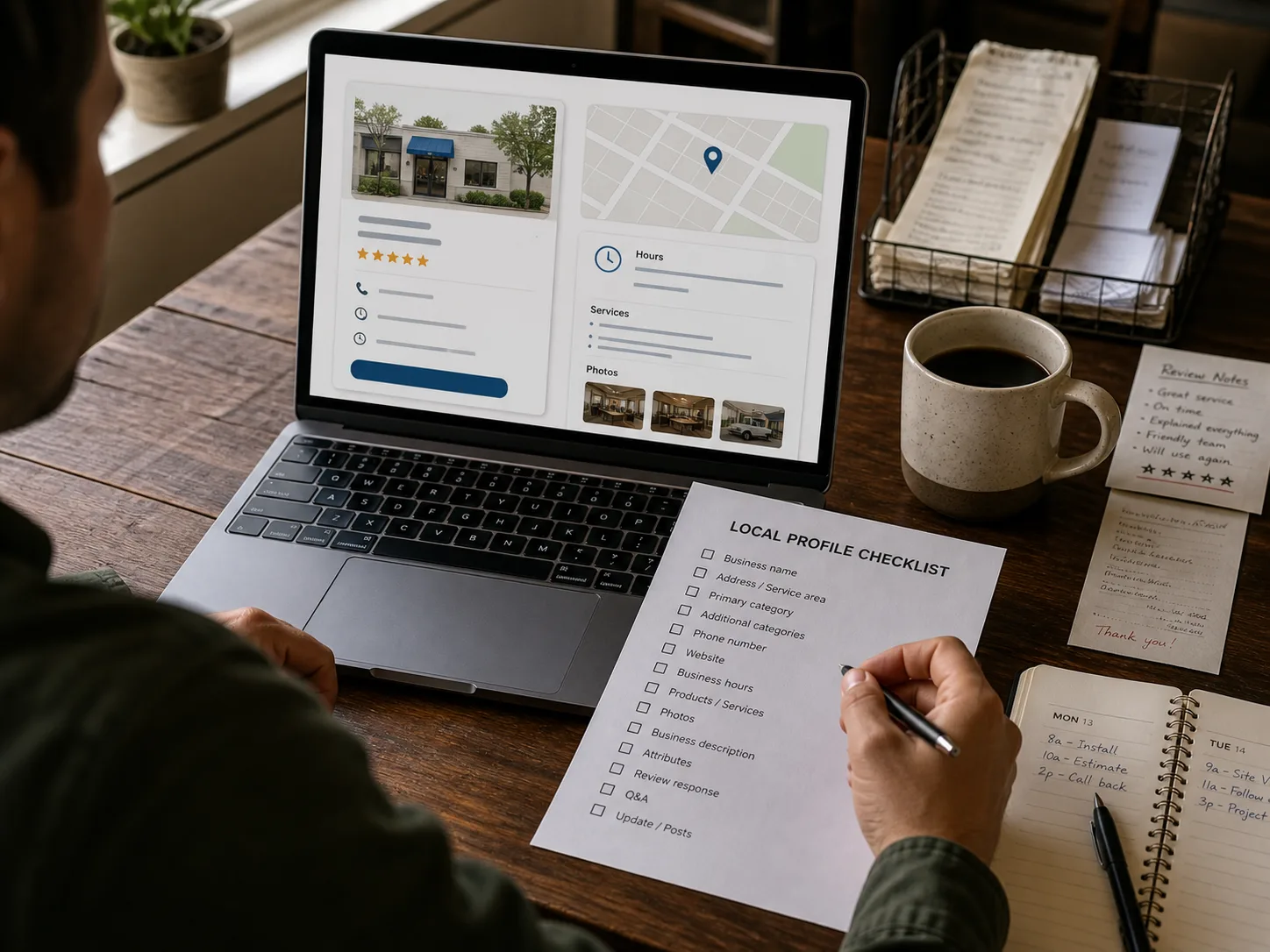
Treat the profile like a customer-facing storefront: categories, hours, services, photos, reviews, and contact paths need regular checks.
Profile basics to check
-
Primary and secondary categories reflect the real business
-
Hours and holiday hours are current
-
Services or products are complete and plain-English
-
Recent photos show the actual business, team, work, or storefront
-
Reviews are monitored and answered without keyword stuffing
-
Phone, website, booking, and messaging paths work
Local Fix
Update one weak profile area
Small profile gaps can create customer hesitation before they ever reach your site.
- Check categories and services.
- Add or replace outdated photos.
- Respond to recent reviews.
- Test the website and phone links.
The profile answers what you do, where you serve, when you are open, and how to contact you.
Profile workflow
Use the guide and checklist together.
Read the guide when you need the reasoning. Use the checklist when you are updating the profile section by section.
Related local fixes